
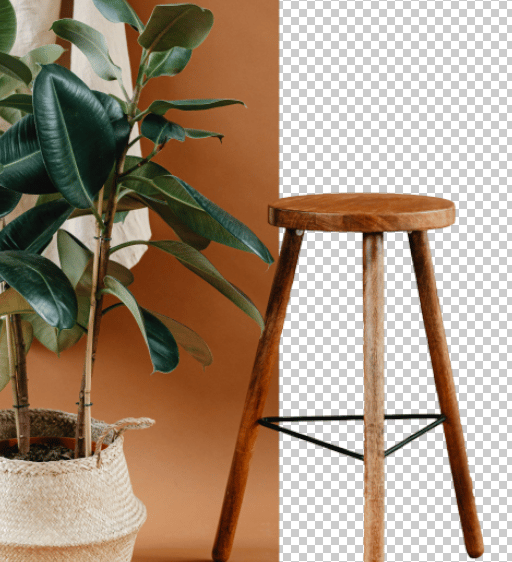
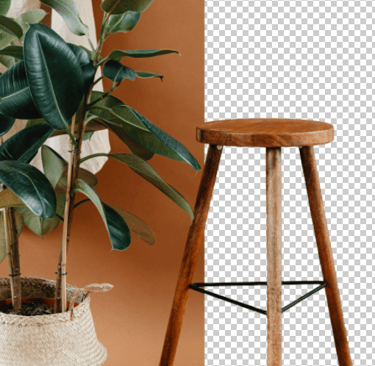
How to remove backgrounds in seconds?
1 Upload an image > Click the Choose Files button to get started.
2 Remove image background > Click Remove Background; there is nothing more to do.
3 Download > To save your image with a transparent background, click Download.
Watch the Video Guide to Remove BG

Samsgraphics is a creative hub for users from a wide range of businesses and interests, powering millions of revisions daily. The Background Remover is a notable tool that has been utilized in numerous edits thus far. Supported by modern technology, it quickly eliminates the backdrop and accurately identifies the topic. It's ideal for quickly and easily producing crisp product shots, coming up with eye-catching images, or switching up old backdrops.


Intuitive user experience
No editing experience necessary. Just upload your image and erase the background with the use of a button.
Automated background removal
The AI-powered background remover will precisely remove the background while preserving the subject.
High-resolution exports
Save edited images in high resolution without any quality loss. Perfect for digital and print use.






Free Tools
Upload photo → Remove background → Download PNG.
CONTACT
contact@samsgraphics.com
+91-7768937567
© 2025. All rights reserved.
Important links